Content:
Start with an interactive introduction
When starting an online training session, it's important to introduce yourself to the participants, get to know them, and thoroughly explain what they can expect from the session. This will create a trusting atmosphere and help establish rapport between the trainer and the participants. A proper introduction lays the foundation for a successful training session and allows participants to feel engaged in the process.
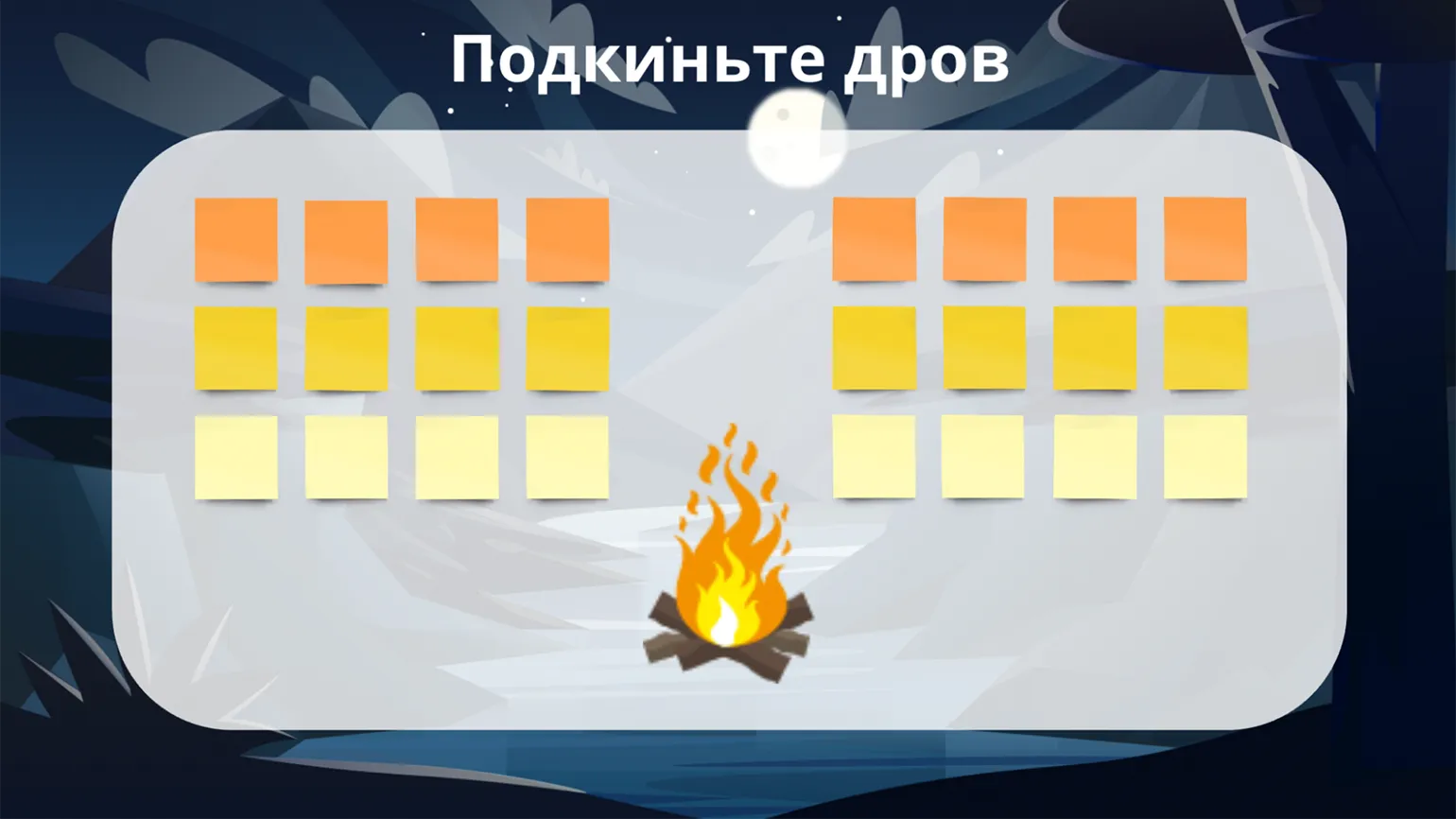
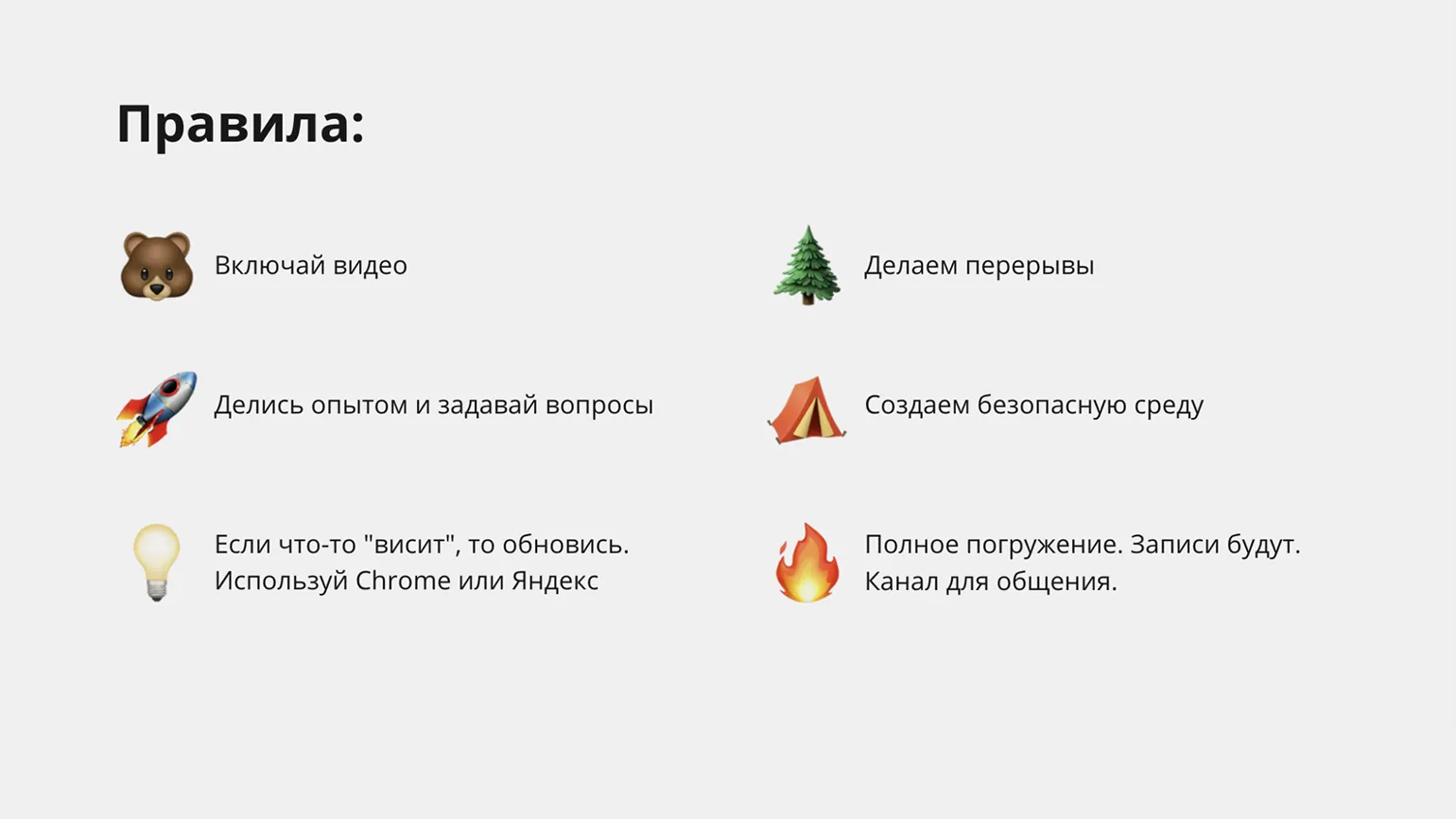
To conduct a successful online training session, it's essential to prepare relevant content on the online whiteboard. Slides with information about the speakers are an essential element. It's also important to clearly explain the rules for effective interaction during the training. These rules should be posted on the whiteboard for visibility. Turning on the camera, what to do if there are connection issues, and other key points should be clearly marked to ensure productive participation by all participants.
During the introduction phase, it's important to take advantage of one of the key benefits of virtual whiteboards: interactivity. It's recommended to create a special section with fields where participants can add information about themselves, including their name, job title, and photo. This not only facilitates better interaction but also helps establish a more trusting relationship between participants, which is key to successful communication. Using virtual whiteboards to present information about yourself significantly improves the impression of the meeting and creates a more comfortable atmosphere for discussion.
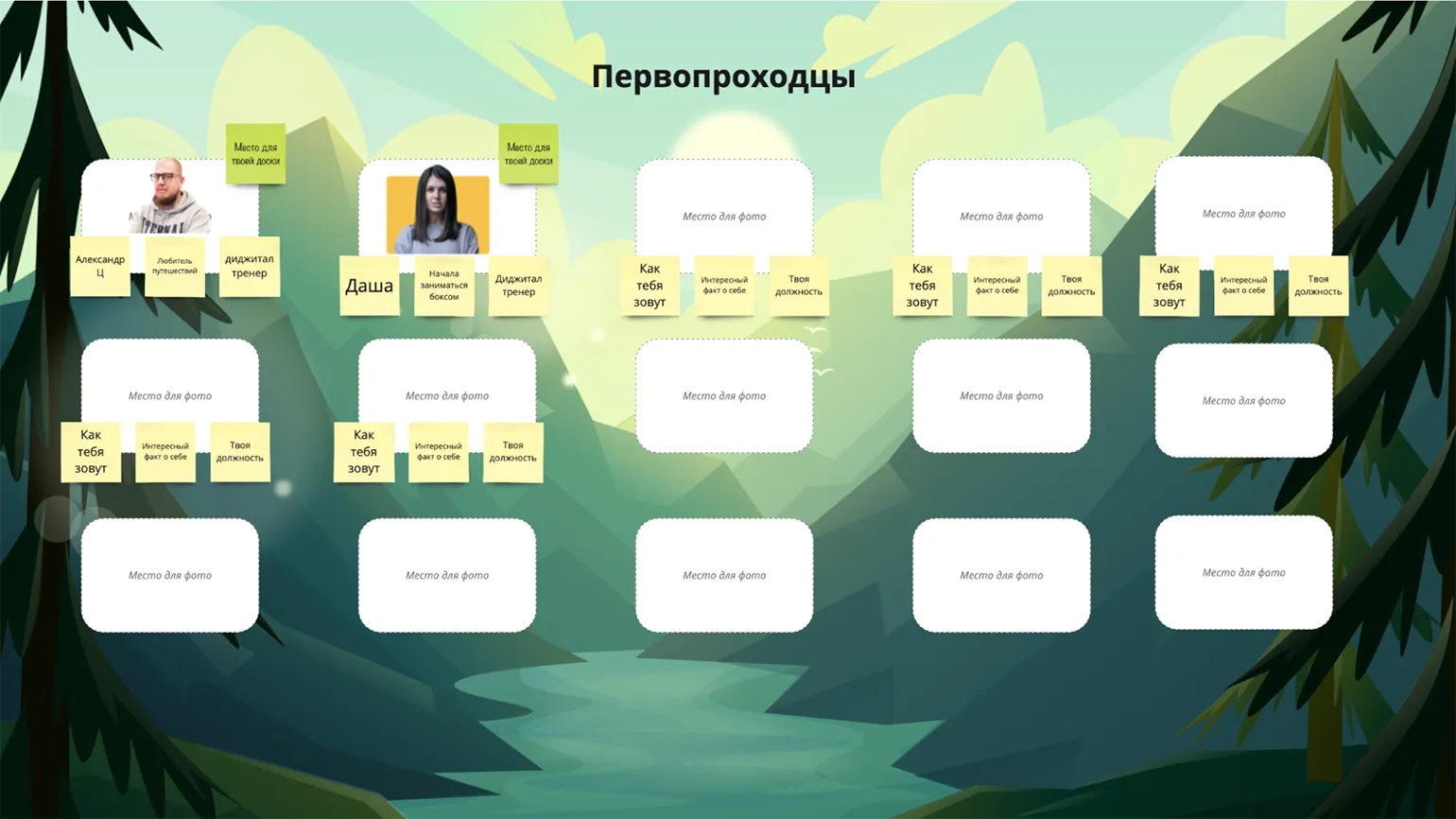
When When organizing a training session, it's important to consider participants' familiarity with online whiteboards and other tools. If they regularly use such platforms in their work, they'll be able to quickly upload photos and label stickers. In this case, an interactive introduction can be effectively conducted directly during the session. This will not only save time but also create a more engaged atmosphere conducive to active learning.
In some cases, your audience may be new to whiteboards or unfamiliar with digital tools. In these situations, it's a good idea to send participants a link to the platform you'll be using in advance and ask them to register before the training begins. This will allow participants to add their information to the whiteboard and become familiar with basic features, such as adding files, dragging and dropping objects, and filling in fields. This way, they can focus on the content rather than technical aspects during the session. It's important to remember to pin elements that shouldn't be moved and to hide information you don't want participants to see beforehand. All popular whiteboards offer these features, making them suitable for educational and corporate training.
Enable Warm-Up Activities
Warm-up activities, also known as icebreakers, are short exercises that help engage participants and reduce tension. At the beginning of a whiteboard training session, ice breakers play an important role in preparing the audience for effective use of this tool. These exercises help create a comfortable atmosphere, which in turn enhances the productivity of interaction and learning. Using ice breakers can significantly improve team spirit and encourage participants to collaborate actively.
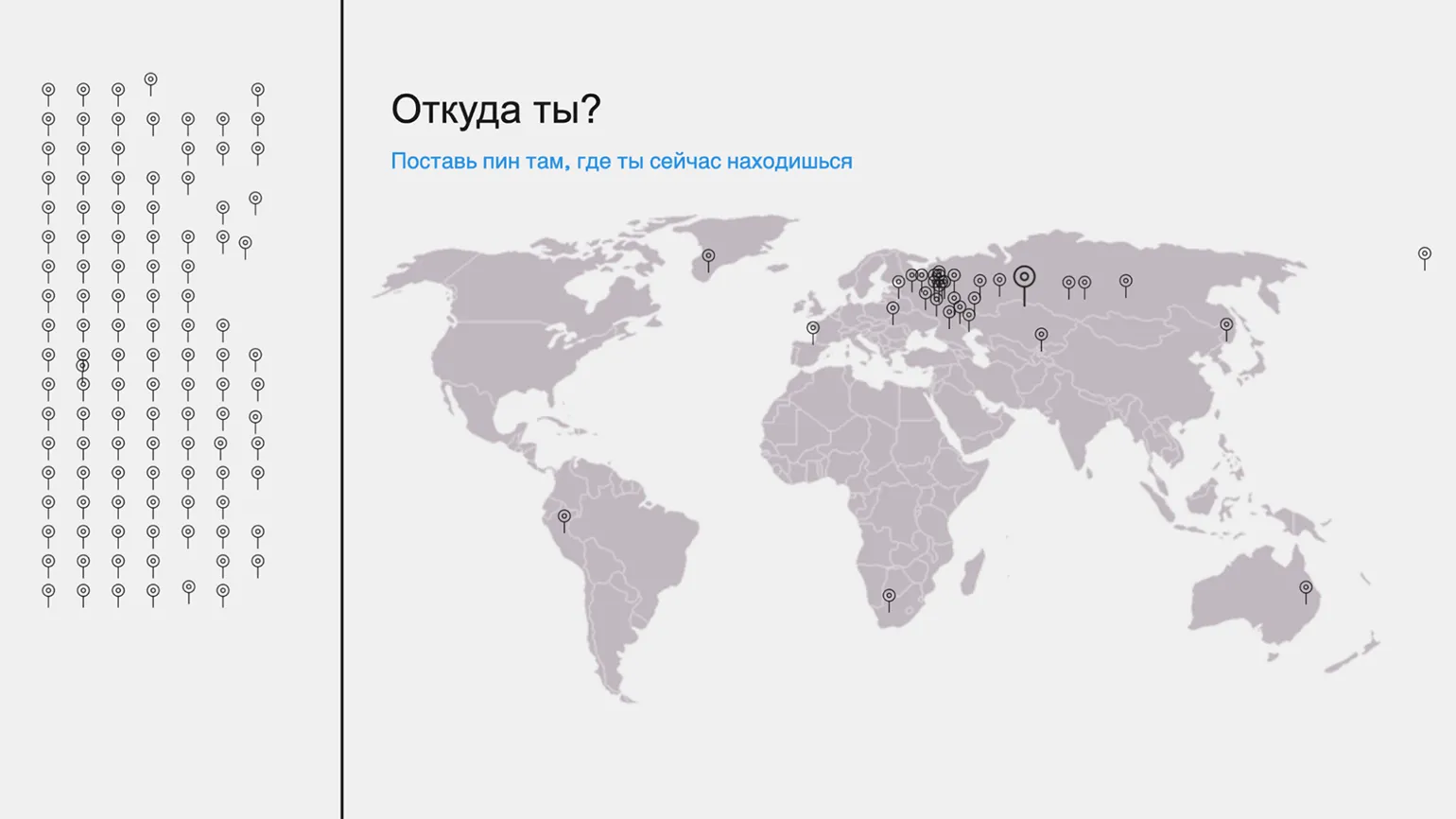
A variety of exercises are used to achieve this goal. When choosing exercises, it's important to consider the participants' digital skill level and the tasks they will be performing during the training. For example, a simple drag-and-drop task, "Show me where you're from," requires a world map and a set of icons. Participants simply click on an icon and drag it to the desired location on the map to mark their location. This exercise not only helps to better understand the geographical distribution of participants, but also contributes to the creation of an interactive atmosphere during the training.
Short tasks are ideal for use during breaks. For example, as part of the mini-exercise "What Meme Are You?" I collect harmless memes on a board and ask participants to choose the one that best reflects their mood. This activity is not only entertaining but also helps create a relaxed atmosphere, encouraging conversation and sharing of emotions among participants. Using memes in such exercises increases engagement and makes the break process more interesting and memorable.
Prepare a space for participant questions
Most online whiteboards offer chats for communication between participants, which is also relevant for platforms designed for online classes. Participants typically ask questions during the training in the chat. However, the instructor may not always be able to promptly answer them during the class. Effective use of chat can significantly improve interaction between participants and the instructor, promoting a deeper understanding of the material and the exchange of experiences.
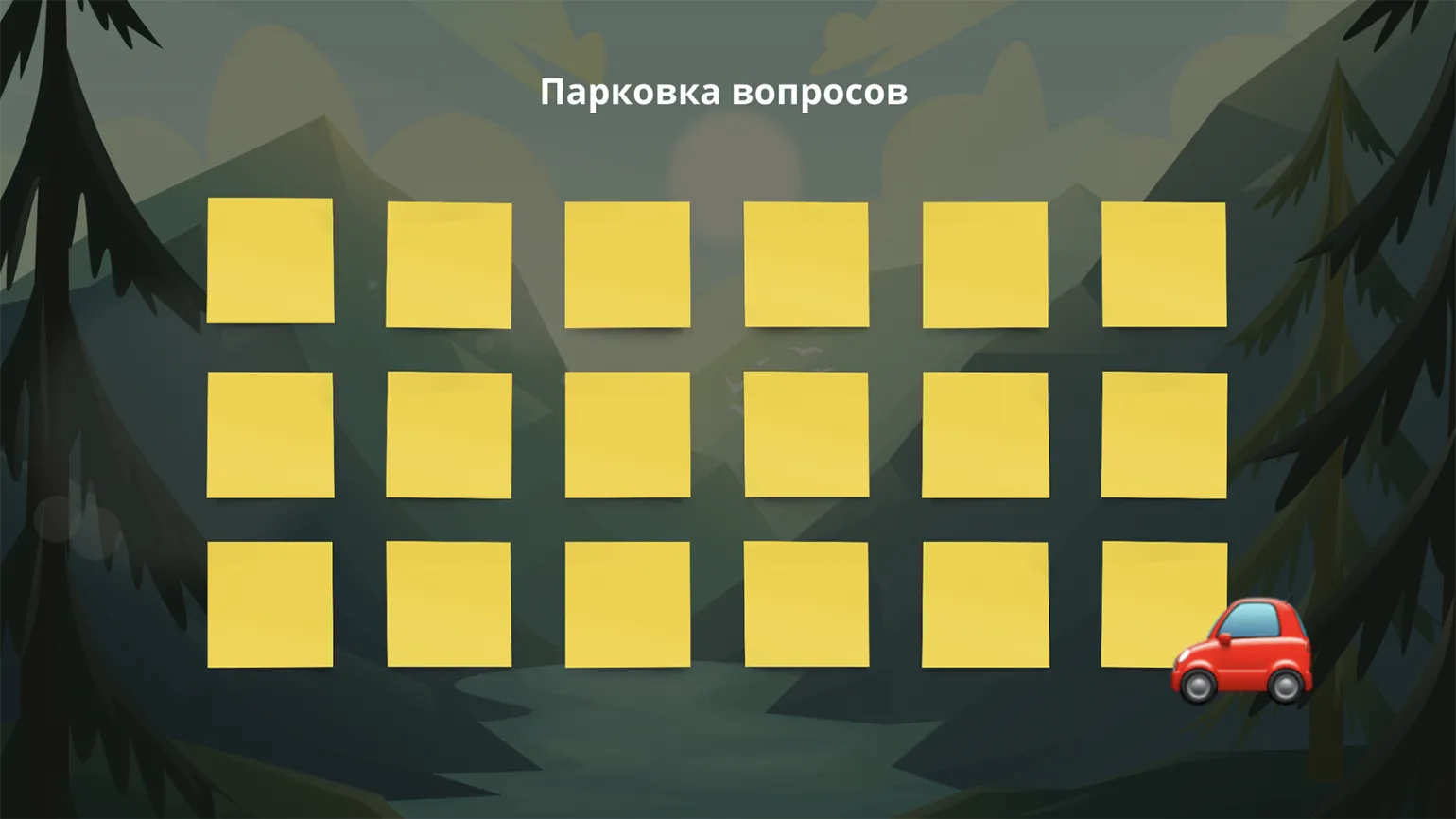
I recommend creating a space for questions so they don't get lost. For example, you can use a board with blank sticky notes. Make sure students know that all questions about the training topic should be left here and that you will answer them at a designated time, for example, at the end of the lesson. This will help maintain an active dialogue and deepen their understanding of the material.
Develop a game metaphor
The training content can be presented through a game metaphor, creating a fictional setting and plot in which the events unfold. This approach works effectively even for an adult audience. The game metaphor can be varied, but it should support the educational goals and be relevant to the target group. This metaphor is realized through storytelling and visual design, where online boards offer ample opportunities for creativity. As an example, we can consider a scenario based on a hike through the mountains to a “city of educators” with unique knowledge in the field of learning design.
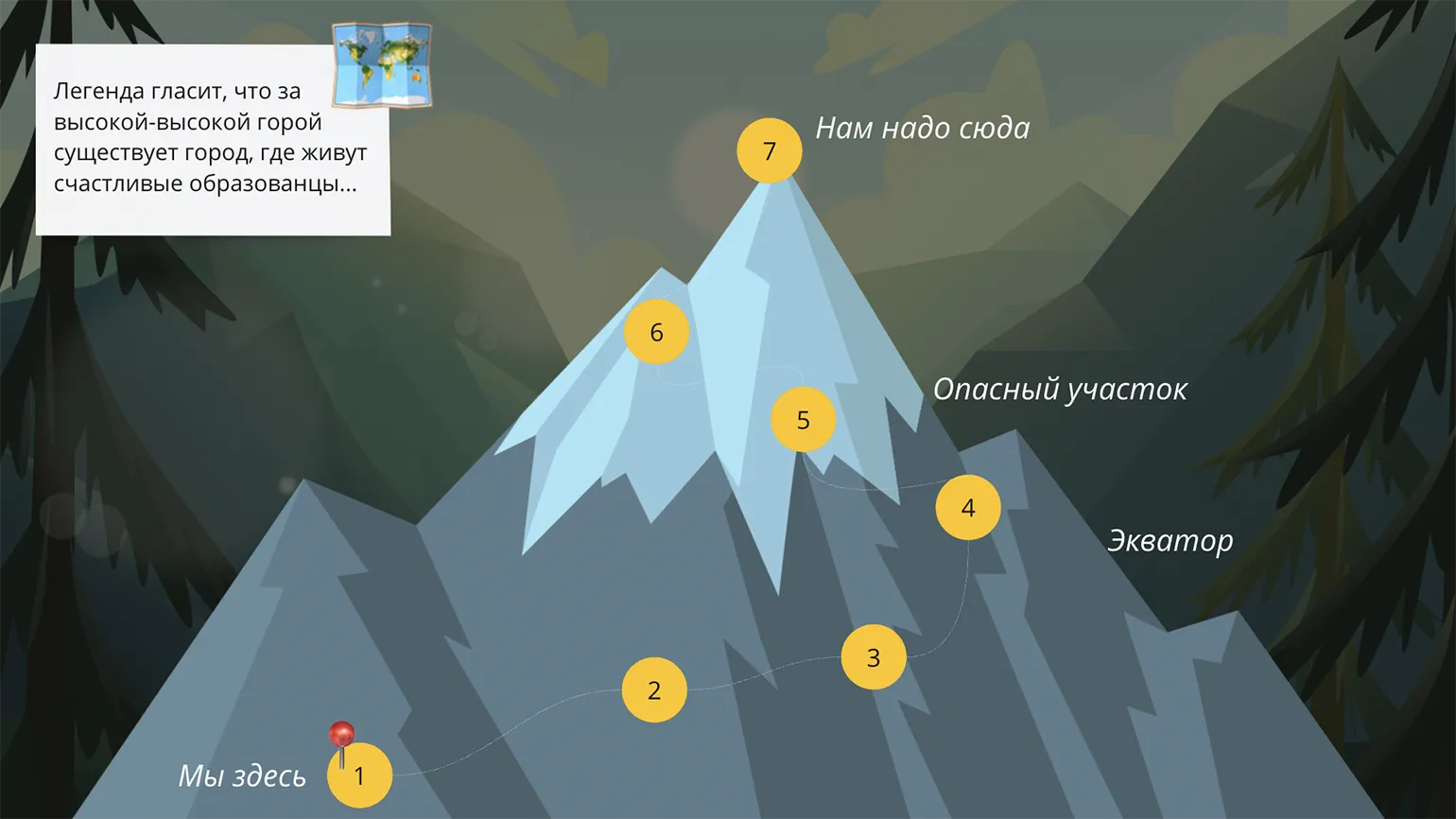
A game goal, such as reaching a destination on a journey, can be visualized on a map. This map not only shows the current location but also serves as a visual progress bar. It helps participants understand where they are now and what steps need to be taken to reach the final goal. This approach promotes better perception of information and motivation, allowing participants to see their progress and navigate the challenges ahead.
Provide opportunities for collaboration in groups
Online training that includes group work requires effective organization of the process. For this, it is useful to use a whiteboard, which will help structure the interaction of participants. Each team can be given a separate space to exchange ideas and present the results of their joint work. This will increase productivity and give each participant the opportunity to actively participate in the discussions. An organized process will help better assimilate the material and achieve the set goals.
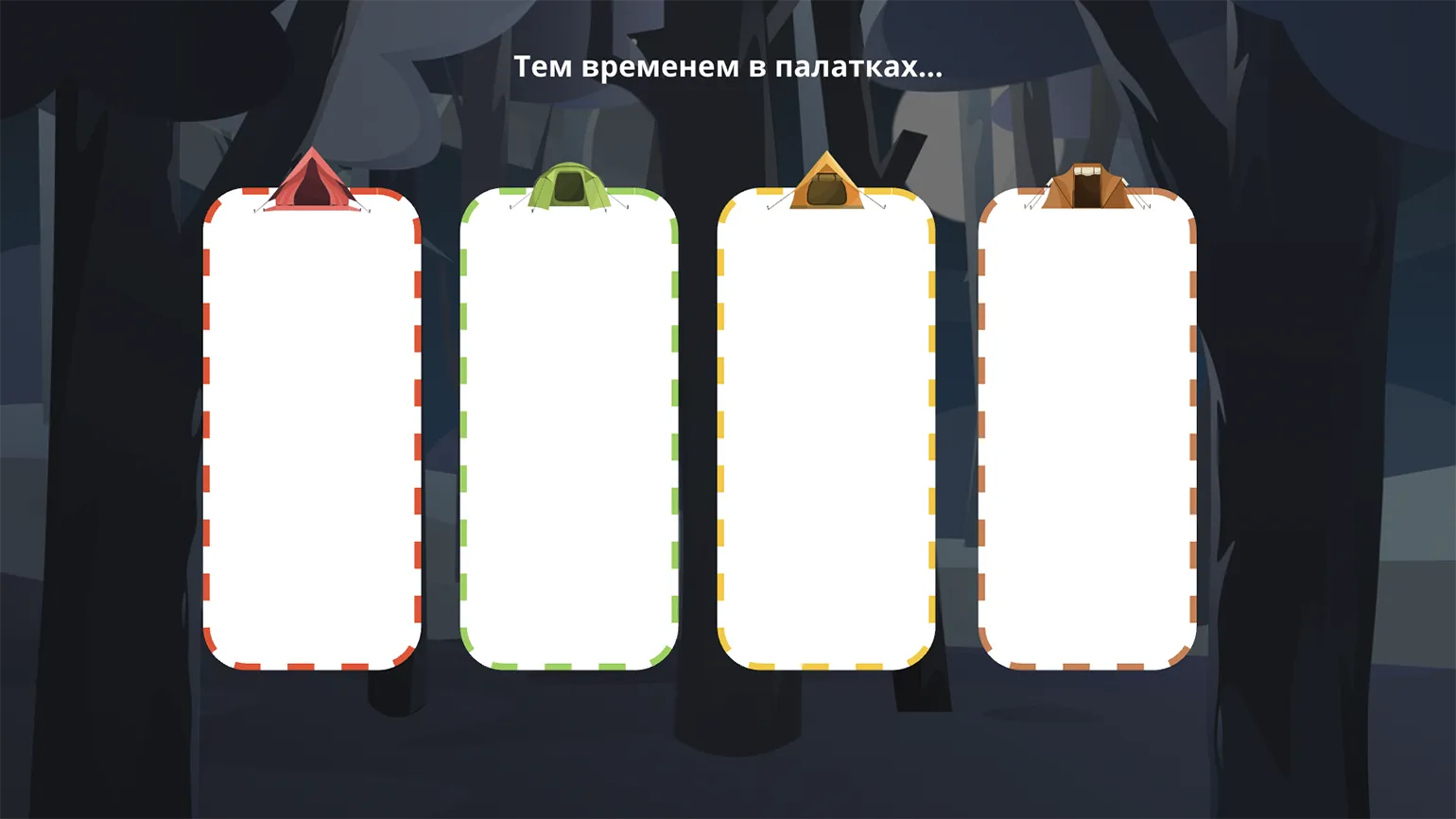
In our hike scenario, each group has its own colored tent. Following discussions, team leaders pin answers to questions, solutions to tasks, and other important materials to the tent. This helps organize information and facilitate future team work.
Add exercises and other content
The online whiteboard provides the ability to post a variety of lesson materials, including text, images, and embedded YouTube videos. The functionality for creating exercises is virtually unlimited. Users can easily match captions with images, organize elements, fill in the blanks, and sort information by category. These simple online whiteboard mechanics allow you to create interactive tasks that are easy for most users to master.
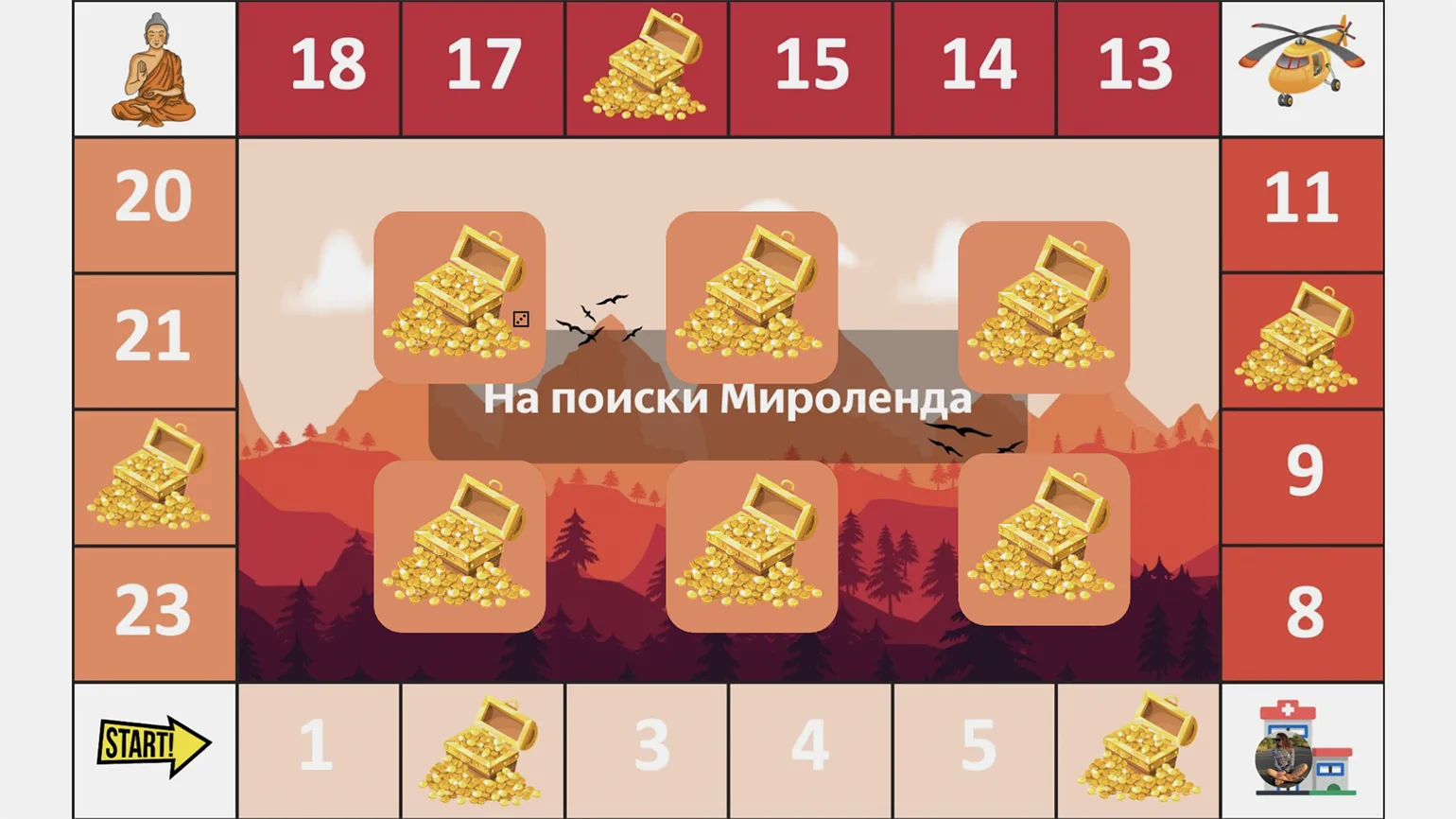
Using gamification in learning allows you to create engaging board games right on the whiteboard. For example, participants can roll a virtual dice (Miro has a built-in feature) and move around the game board the number of steps corresponding to the number rolled. The winner is determined by the number of "treasures" they collect by answering questions or completing tasks hidden under the squares. Players' avatars can be represented by their photographs, arranged in a circular format. This approach not only makes the learning process more interactive but also helps increase participant engagement.
Collect Feedback
At the end of the training, it's important to collect feedback from participants to understand their impressions and what they found useful. For this, I use sticky notes on which participants can leave short comments. If negative feedback is received, this allows for an immediate response, clarifying what exactly caused the dissatisfaction, and attempting to resolve the issue, for example, by clarifying any unclear points. This approach not only helps improve the quality of training but also creates an atmosphere of openness and trust among participants.