Contents:
Graphic Designer PRO: Course with employment in 3 months
Find out moreDefinition and meaning of mockups
A mockup is a three-dimensional model created to visualize a product design. This model allows for a visual assessment of the finished product's appearance before production, making mockups an essential tool in the design process. Mockups facilitate more effective decision-making by identifying potential flaws and refining the design early on. This makes mockups an indispensable element in the development of both physical and digital products. Mockups are typically developed in PSD format, which includes layers and smart objects. These templates are then enhanced with corporate identity elements, advertising creatives, and packaging mockups. This allows designers and clients to clearly visualize the final product. Using mockups in the design process helps communicate ideas more effectively and improve design perception. Identity plays a key role in shaping a company's image and has a significant impact on business. It includes visual elements such as a logo, color palette, fonts, and other graphic elements that help create a unique brand style. A well-designed identity increases company recognition, builds customer trust, and differentiates a business from its competitors. In our article, you can learn how effective identity can improve your brand's perception and increase customer loyalty.


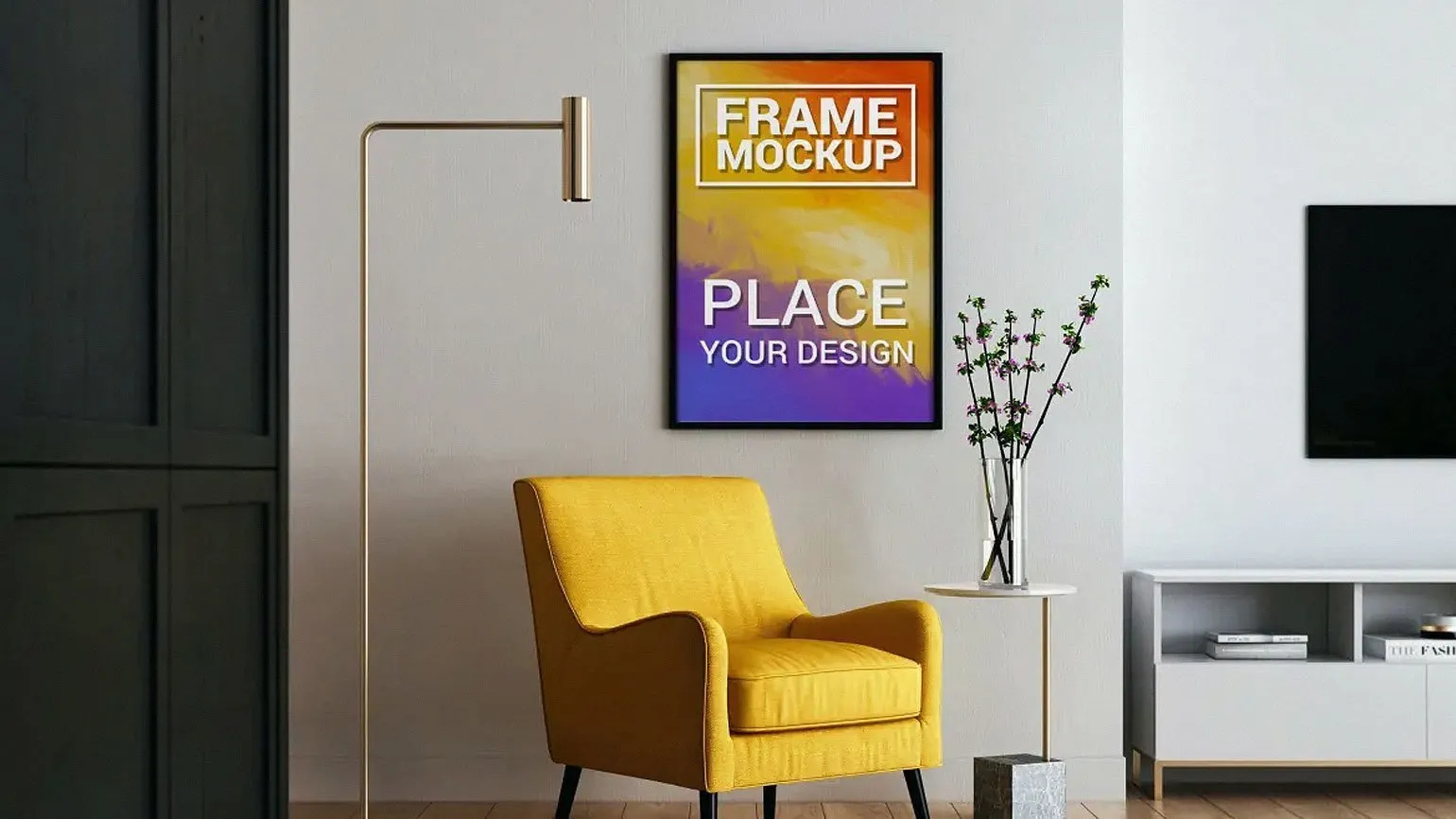
Mockups are often confused with sketches and printed layouts. A sketch is a simple design outline, while a print mockup is a flat-layout of the packaging with technical notations. In contrast, a mockup is a high-quality image that focuses on visually representing a design without including technical details. Mockups allow for a better understanding of how the final product will look in reality, making them indispensable in the development and presentation of design projects. Mockups are an essential tool not only for graphic designers but also for UX/UI specialists. They allow for the visualization of graphic elements, fonts, and color palettes, even before the final wireframe is complete. 3D mockups of devices such as smartphones and computers are used to present finished apps or websites, demonstrating the product interface in a real-world setting. This promotes a better understanding of the design and functionality and also facilitates project discussions and approvals with clients and the team. Proper use of mockups can significantly improve the presentation of your ideas and enhance the interaction with end users.
Why Mockups Are Important: The Key to Successful Design
Mockups are an indispensable tool for visualizing projects, giving designers and clients the opportunity to see the final product before it's actually created. Using mockups makes concepts clearer and more accessible, significantly facilitating approval and increasing work efficiency. Mockups help convey ideas and expectations more accurately, which helps improve communication between teams and clients.

The benefits of using mockups include their ability to clearly demonstrate a product's design and functionality. Mockups allow ideas to be visualized, facilitating communication between designers, developers, and clients. They help identify potential problems early in development, saving time and resources. Using mockups also improves the perceived value of the final product, allowing stakeholders to better understand its appearance and interactions. Mockups can also be an effective tool for testing user experience, which in turn improves the quality of the final product.
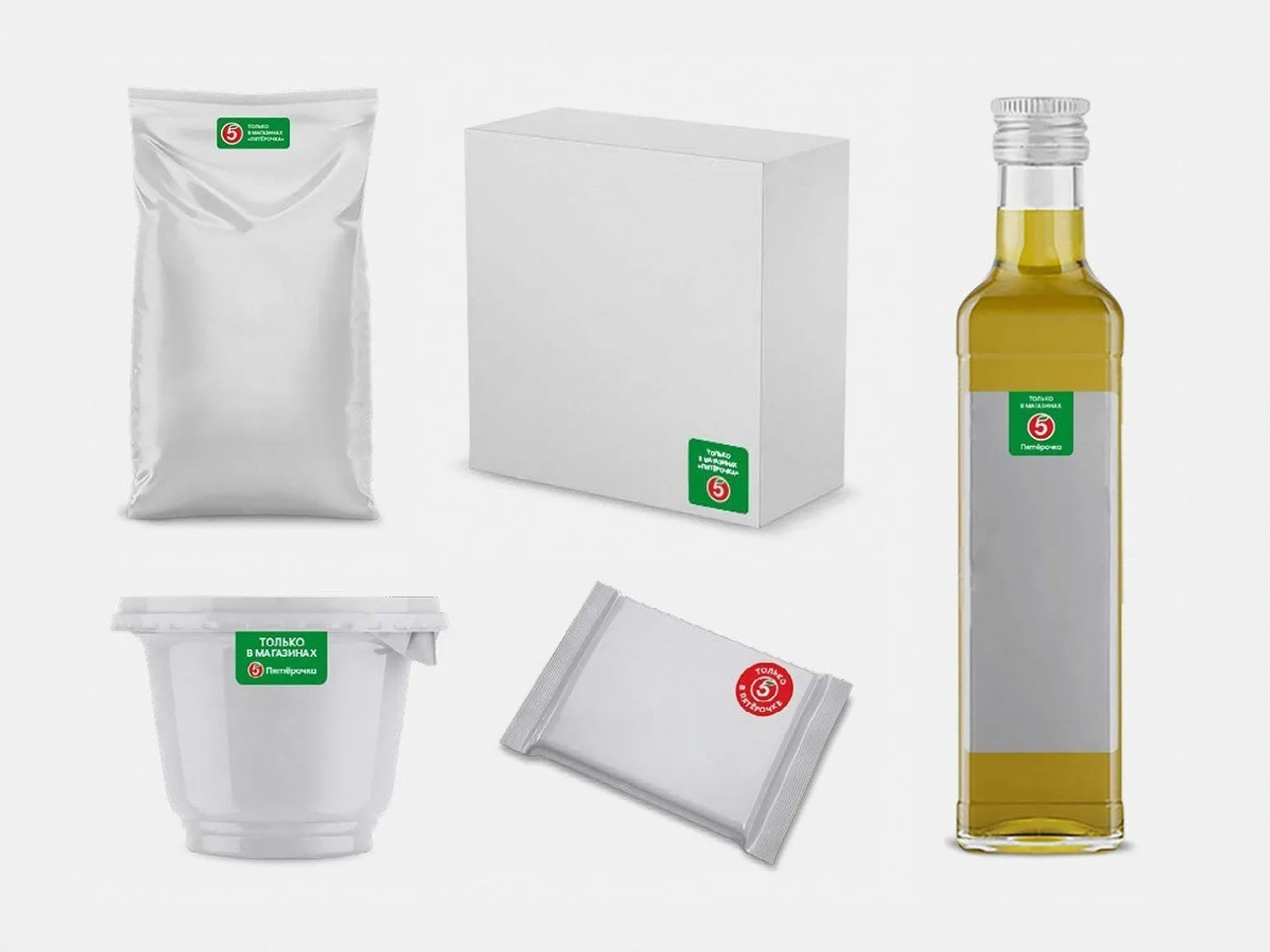
- Facilitate communication with the client: the designer can demonstrate how additional elements, such as stickers, will make the product stand out from similar ones.
- Test ideas in a real context: graphic designers can see how their work will look, for example, at a bus stop in a residential area.
- Test prototypes before production: Using mockups helps identify design flaws, for example, how a logo will be perceived at different product sizes.
- Speed up template creation: mockups allow you to quickly adapt product cards for marketplaces, changing only colors and prints without the need for new photography.
- Demonstrate corporate style: With mockups, you can create a catalog of branded products, including pens, folders, and badges in corporate colors.
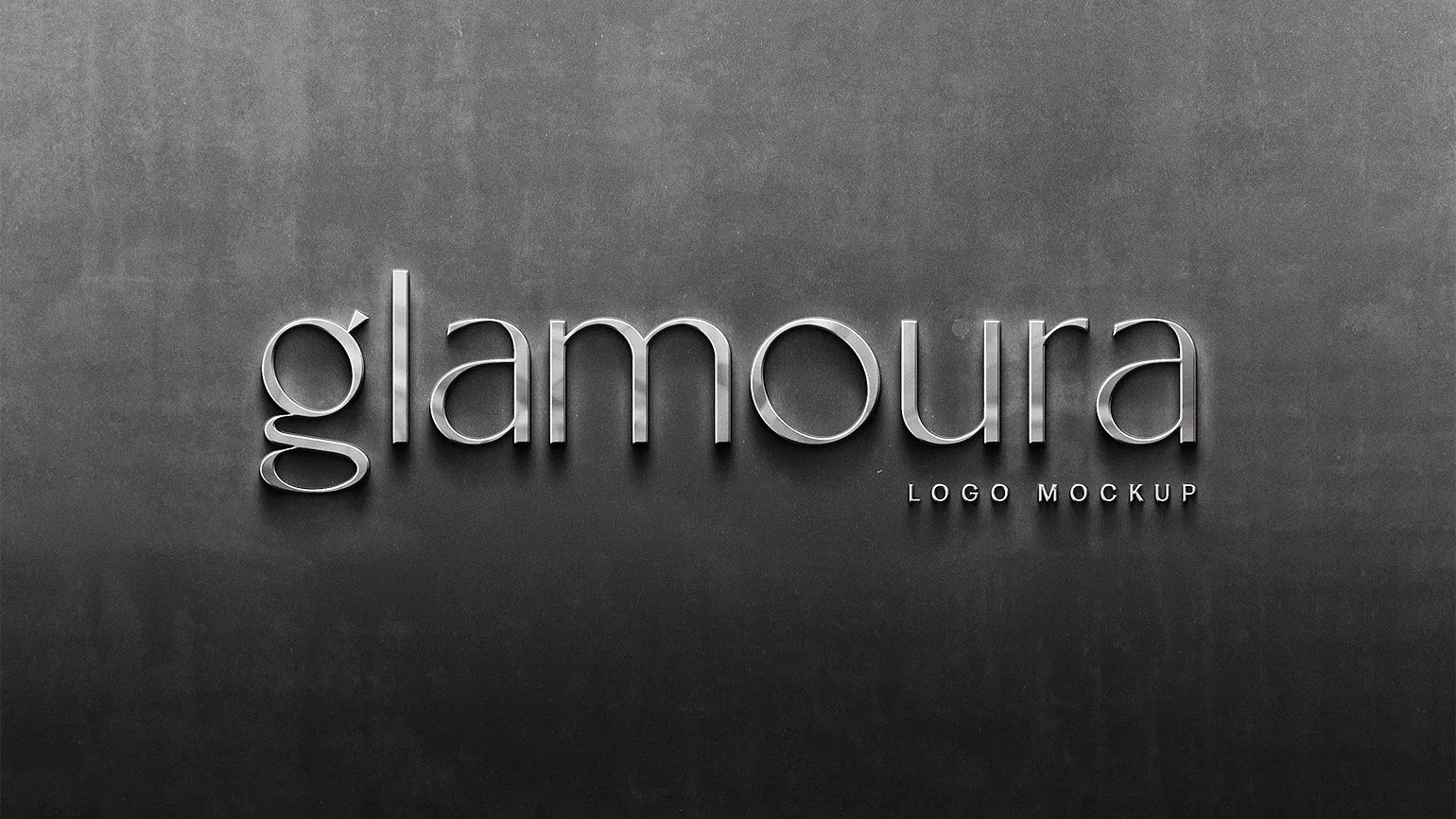
A brand book is a document that defines the visual and communication aspects of a brand, including the logo, color palette, fonts, and image style. It serves as the primary guide for maintaining brand integrity across all its manifestations. Mockups, or layouts, play an important role in a brand book, allowing for a clear demonstration of how the brand will appear on various media, such as packaging, business cards, or advertising materials. Using mockups helps visualize ideas and ensures consistency in brand presentation, which promotes brand recognition and strengthens the brand's image. Learn more about the importance of brand books and mockups for the successful promotion of your business in our article.
Where to Find High-Quality Mockups for Design
If you're looking for a way to design standard items like milk cartons, smartphone cases, or toothpaste tubes, using ready-made templates can make your work much easier. Mockups are available for download for both free and paid purposes, allowing you to choose the best option based on your needs. These templates will help you visualize your design, improve your product presentation, and save development time.
- On stock sites and specialized mockup stores, such as Adobe Stock.
- On web services that allow you to edit templates directly in the browser, such as Smartmockups, without downloading.
- On design platforms where authors share their work, such as Behance or Dribbble, use the keyword "Mockups" to search.
- Special plugins for Figma that provide access to mockups directly in the application.
We have prepared useful links to resources where you can download mockups. These resources will help you simplify the search process and find high-quality mockups for your projects.
The ZIP archive usually contains not only the mockup itself, but also a license description, as well as instructions for working with layers and smart objects. These documents will help you use mockups correctly and integrate them into your project as effectively as possible.
Mockup licenses can have varying terms of use. These may include restrictions on commercial use, attribution requirements, and prohibitions on distributing or modifying the original files. It is important to carefully review the license agreement to avoid violations and use mockups correctly in your projects. Understanding the license terms will help ensure the legality of your graphic use and protect you from potential legal consequences.
- Personal use only: for educational projects and non-commercial portfolios.
- Commercial use, in which mockups can be used in commissioned work.
For more information on the different types of licenses and the consequences of violating them, we recommend reading our detailed resource. In it, you'll find useful information that will help you better understand the legal aspects of licensing and avoid potential legal consequences.
How to Choose the Perfect Mockup for Your Project
Finding the perfect mockup is a crucial step in the design process that requires special attention and skill. If your signs, logos, hats, aprons, or packaging aren't as realistic as possible and match the actual media your client plans to use, the entire presentation may lose its effectiveness. The right mockup helps visualize the final product and creates an impression of professionalism, which in turn increases trust in your brand. Choosing a high-quality mockup not only improves the perception of your ideas but also contributes to the successful implementation of project tasks.

When choosing a mockup, it's important to consider several key aspects. First of all, determine the purpose of using the mockup: for a presentation, testing, or marketing. Evaluate the quality and realism of the images, as this affects the perception of your product. Make sure the mockup matches your brand in style and color palette. Also, check compatibility with various devices and platforms to ensure maximum accessibility. Finally, pay attention to the ability to edit and customize the mockup to adapt it to your needs. Choosing the right mockup will help you effectively present your product and attract the attention of your target audience.
- Pay attention to the dimensions.
Working with simple templates can present certain difficulties. One example is the difference in formats used in printing in the US and Europe. Therefore, it is necessary to carefully compare the sizes of objects in the mockup with client requirements to avoid misunderstandings and ensure compliance with standards. This will help improve the quality of the final product and meet the client's expectations.
- Keep an eye on highlights, reflections, and shadows.
A high-quality mockup should include well-placed highlights and shadows to create a realistic image. If you notice that your glossy mockup looks flat and lacks depth, you may need to manually add highlights in Photoshop. This will improve the mockup's perception and make it more appealing to viewers. Proper use of highlights and shadows will give your design a professional look and highlight details.
- Evaluate the level of realism.
Mockups are simplified 3D models that lack detailed textures and highlights. Due to the lack of fine detail, they may look like standard 3D graphics rather than realistic photographs. While transferring a design to such images is possible, the end result may not be as impressive as expected, as it will be in a completely digital environment. It is recommended to avoid using such mockups and instead look for more realistic images to achieve a better visual effect and enhance the appeal of your design.
What if a ready-made mockup doesn't meet your requirements?
If you need to present your design on a unique object and precisely maintain all proportions, it is advisable to create a mockup yourself. Using 3ds Max, you can render the object and then add the necessary visual effects in Adobe Photoshop. This approach ensures high-quality and accurate rendering, which is especially important for presentations and marketing materials. Creating a mockup yourself allows you to control every stage of the process, from modeling to final processing, ensuring a perfect result and meeting all design requirements.
An alternative method is to use a photograph of a suitable object as a base. Using Adobe Photoshop, you can integrate your mockup, taking perspective distortions into account. Careful control of sharpness, shadows, and highlights is essential to achieve the best visual result. This approach allows for a harmonious combination of elements and improves the overall aesthetics of the composition.

For more design news and ideas, subscribe to our Telegram channel. We share relevant news, helpful tips, and inspiring content to help you develop your design skills. Don't miss the opportunity to stay up-to-date with the latest trends and developments in this field.
Additional resources for designers are an essential tool for improving the quality of their work and expanding their professional skills. Numerous online platforms offer templates, graphics, fonts, and other design elements. Resources like Behance and Dribbble allow you to get inspired by the work of other designers and find potential clients. Free and paid stock image libraries like Unsplash and Shutterstock provide access to high-quality photographs and illustrations. Font resources like Google Fonts and Adobe Fonts offer a wide selection of fonts for various projects. It's also helpful to take online courses and webinars on platforms like Udemy and Coursera to improve your design skills. Using these resources will help designers stay relevant and competitive in the market.
- How to work with layers in Photoshop: a tutorial video
- Websites for designers worth adding to your bookmarks
- Font pairs: 7 useful services for designers
- 10 valuable Figma files: gradients, graphic elements, and templates
- 23 free photo stocks for designers
Graphic Designer PRO: 5 Steps to a Successful Career
Want to become a graphic designer? Learn 5 key skills for a successful career!
Learn more